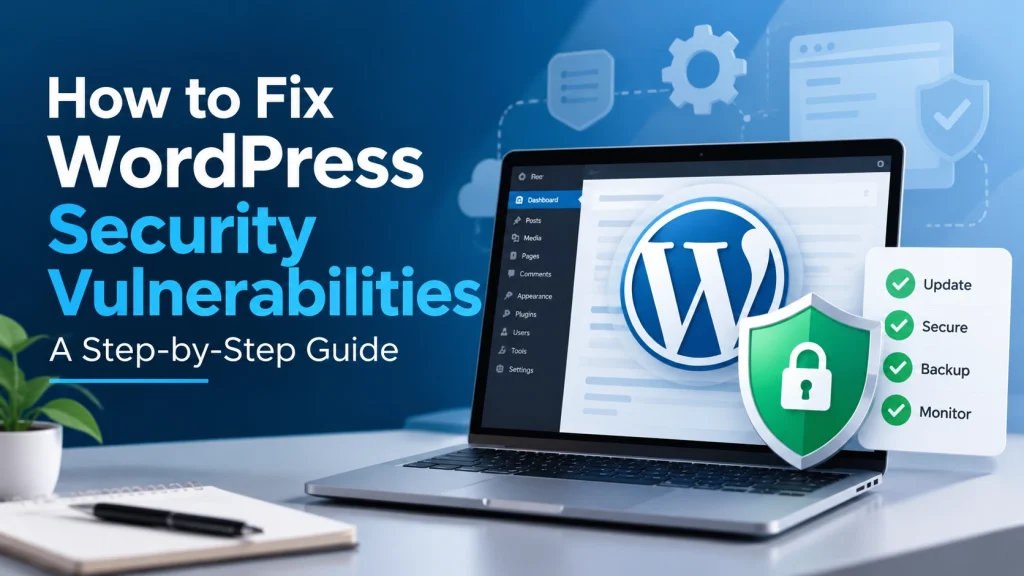
WordPress powers millions of business websites, making website security an important part of maintaining a reliable online presence. When a security vulnerability is discovered, business owners may worry about whether their website is at risk. The good news is that most vulnerabilities can be addressed by following the correct security updates and maintenance practices.
In this guide, we’ll explain how to fix WordPress security vulnerabilities, what business owners should check, and how to keep their websites better protected.
What Is a WordPress Security Vulnerability?
A WordPress security vulnerability is a weakness in WordPress, a plugin, theme, custom code, or the hosting environment that could potentially be exploited.
A vulnerability does not necessarily mean your website has been hacked. It means there is a potential security weakness that needs to be reviewed and addressed.
For business owners, the most important step is to stay informed and apply the correct fix instead of ignoring security updates.
1. Check Whether Your Website Is Affected
When a new WordPress vulnerability is announced, first determine whether your website is actually affected.
Check your:
WordPress version
Installed plugins
Active theme
PHP version
Custom code
Hosting environment
Compare the versions you are using with the affected versions mentioned in the official security advisory.
Avoid making changes based only on social media posts or unverified information. Always confirm the issue and recommended solution through a trusted technical source.
2. Update WordPress and Its Components
One of the most important ways to fix WordPress security vulnerabilities is keeping your website software updated.
Before updating, create or verify a recent backup. Then update the affected component according to the official fix.
Review:
WordPress core
Plugins
Themes
PHP
Other third-party software
After updating, test important website functions such as contact forms, navigation, login areas, ecommerce features, and other business-critical functionality.
3. Review Your Plugins and Themes
Unused or outdated plugins and themes can create unnecessary security risks.
Review your WordPress installation and remove software that is no longer needed. For active plugins and themes, make sure they are maintained and receiving security updates.
Do not install plugins or themes from unreliable sources simply because they are free. Use trusted sources and keep your software maintained.
A smaller, properly maintained website environment is generally easier to monitor and secure.
4. Strengthen WordPress Login Security
Website security also depends on protecting administrator accounts.
Use strong and unique passwords and enable two-factor authentication where appropriate.
Regularly review WordPress users and remove accounts that are no longer required. Users should also have only the permissions they need.
For example, a content editor usually does not need full administrator access.
These basic practices can reduce the risk of unauthorized access to your business website.
5. Keep Reliable Website Backups
Backups are an important part of your website security strategy.
Maintain recent backups of your WordPress files and database, and make sure backups are stored separately from your live website.
It is also important to test whether your backups can actually be restored.
A reliable backup gives your business a recovery option if a security incident, update problem, or technical failure affects your website.
6. Monitor Your Website After Applying a Fix
Fixing a vulnerability is not always the end of the process.
After applying an update or security fix, monitor the website for unusual behaviour.
Check for:
Unexpected users
Suspicious files
Unusual redirects
Unexpected content changes
Login activity
Website errors
Security warnings
Regular monitoring can help identify problems early and give you an opportunity to respond before they become larger issues.
7. How Dev Mechanix Helps Businesses
For business owners, managing WordPress security alongside daily operations can be difficult.
Dev Mechanix helps businesses maintain secure, reliable, and high-performing WordPress websites through WordPress development, website maintenance, plugin development, migration, performance optimization, and AI-powered solutions.
Our approach is focused on identifying the actual issue, applying the appropriate solution, testing the website, and helping businesses maintain their websites over time.
If a security vulnerability affects a client website, the goal is not simply to identify the problem. We focus on understanding the issue and implementing the appropriate fix while keeping the website’s business functionality in mind.
Frequently Asked Questions
How do I fix WordPress security vulnerabilities?
Start by identifying the affected component and checking the official security advisory. Create a backup, apply the recommended update or fix, and test your website afterward.
Can updating WordPress fix security vulnerabilities?
Updating WordPress can address vulnerabilities in WordPress core, but plugins, themes, custom code, and server software may have separate security issues that also need attention.
Should I update WordPress plugins immediately?
Security updates should generally be applied promptly, but maintain a recent backup and check the update details before making changes to an important business website.
How can I make my WordPress website more secure?
Keep software updated, use trusted plugins and themes, protect administrator accounts, use strong passwords, enable additional authentication, maintain backups, and monitor your website.
Can AI help with WordPress security?
AI can assist developers with code analysis, research, documentation, and identifying potential issues. However, security fixes should always be verified against trusted technical sources and tested before implementation.
Should unused WordPress plugins be removed?
Yes. If a plugin is no longer required, removing it can reduce unnecessary components and make the website easier to maintain.
Does a vulnerability mean my website has been hacked?
No. A vulnerability is a potential weakness. A compromised website means that the weakness has actually been exploited or unauthorized access has occurred.
Conclusion
You do not need to panic when a new WordPress security vulnerability is announced. The best approach is to verify whether your website is affected, follow the official fix, update the relevant software, test your website, and maintain it regularly.
For businesses that depend on their website for leads, sales, or customer communication, ongoing WordPress maintenance can help keep security and performance issues under control.
Need help reviewing or securing your WordPress website? Dev Mechanix can help identify issues, implement appropriate fixes, and provide ongoing WordPress support.