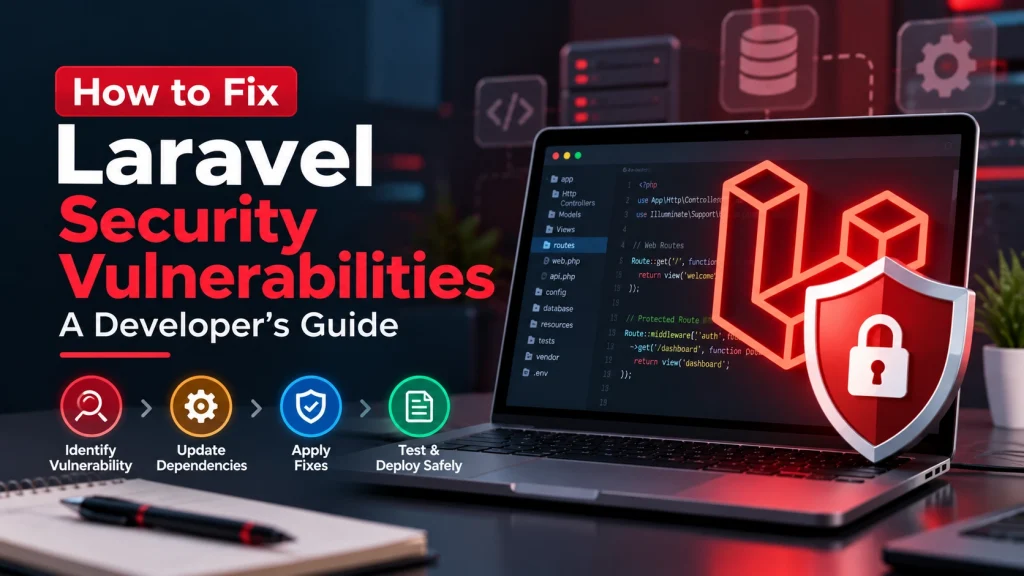
Laravel provides developers with many built-in features for building secure web applications, but no framework can automatically protect an application from every security problem. Vulnerabilities can still occur because of outdated dependencies, insecure application code, weak authentication, improper input handling, or incorrect server configuration.
The good news is that most Laravel security issues can be addressed with a structured approach.
If you are maintaining a Laravel application, the goal should not be to panic whenever a vulnerability is reported. Instead, identify the affected component, verify the recommended fix, test the application, and keep the framework and dependencies maintained.
This guide explains practical steps developers can take to identify and fix Laravel security vulnerabilities.
Contents
hide
1. Keep Laravel and Dependencies Updated
One of the most important steps in securing a Laravel application is keeping Laravel and its dependencies up to date. Laravel follows a regular release cycle, with security fixes provided according to the support period for each major release. Older Laravel versions eventually reach the end of their security-support period. Developers should regularly review:- Laravel framework version
- PHP version
- Composer dependencies
- Laravel packages
- Third-party libraries
- Front-end dependencies
2. Identify the Actual Vulnerability
When a security issue is reported, first determine exactly what is affected. A vulnerability may involve:- Laravel framework
- A Composer package
- Application code
- Authentication
- Authorization
- Input validation
- File uploads
- Database queries
- Server configuration
- API endpoints
3. Update Composer Dependencies
Laravel applications commonly rely on Composer packages. An outdated dependency can introduce a security problem even when Laravel itself is running a supported version. Review yourcomposer.json and composer.lock files and identify packages that need updates.
Before deploying dependency changes:
- Review the package update.
- Check for compatibility issues.
- Update dependencies in a controlled environment.
- Run automated tests.
- Test important application functionality.
- Deploy after validation.
4. Validate User Input
User-controlled data should never be trusted automatically. Laravel provides validation tools that allow developers to define rules for incoming data before processing it. For example, applications should validate:- Form submissions
- API requests
- File uploads
- Search parameters
- IDs and database values
- User profile information
5. Protect Authentication and Authorization
Authentication determines who a user is, while authorization determines what that user is allowed to do. A secure Laravel application should make sure that users cannot access actions or resources simply by changing a URL, ID, or request parameter. Review:- Login systems
- Password handling
- Session management
- User roles
- Permissions
- Admin routes
- API authentication
- Access-control policies
6. Use Laravel’s Built-In CSRF Protection
Cross-site request forgery, or CSRF, can cause unauthorized actions to be performed using an authenticated user’s session. Laravel provides built-in CSRF protection for web requests. Its documentation explains that CSRF tokens help verify that requests are actually coming from the application rather than a malicious external source. Developers should use Laravel’s built-in protection for applicable web forms and avoid unnecessarily disabling CSRF protection. If specific routes need an exception—for example, certain third-party webhook endpoints—the exception should be carefully designed and protected through the appropriate authentication or verification mechanism.7. Protect Application Secrets and Encryption Keys
Sensitive application configuration should not be exposed publicly. Developers should pay particular attention to:APP_KEY- Database credentials
- API keys
- Payment credentials
- Third-party service tokens
- Cloud credentials
APP_KEY environment variable for encryption. Laravel’s documentation recommends generating the key using the framework’s secure key-generation command rather than creating an insecure key manually.
Environment files and credentials should not be committed to public repositories.
If a sensitive credential is exposed, treat it as compromised and rotate it appropriately.
8. Test, Monitor, and Deploy the Fix Safely
Fixing a vulnerability should not end with changing one line of code or updating one package. After applying a security fix, test the application carefully. Check:- Authentication
- User permissions
- Forms
- APIs
- Database operations
- File uploads
- Payment functionality
- Admin functionality
- Third-party integrations