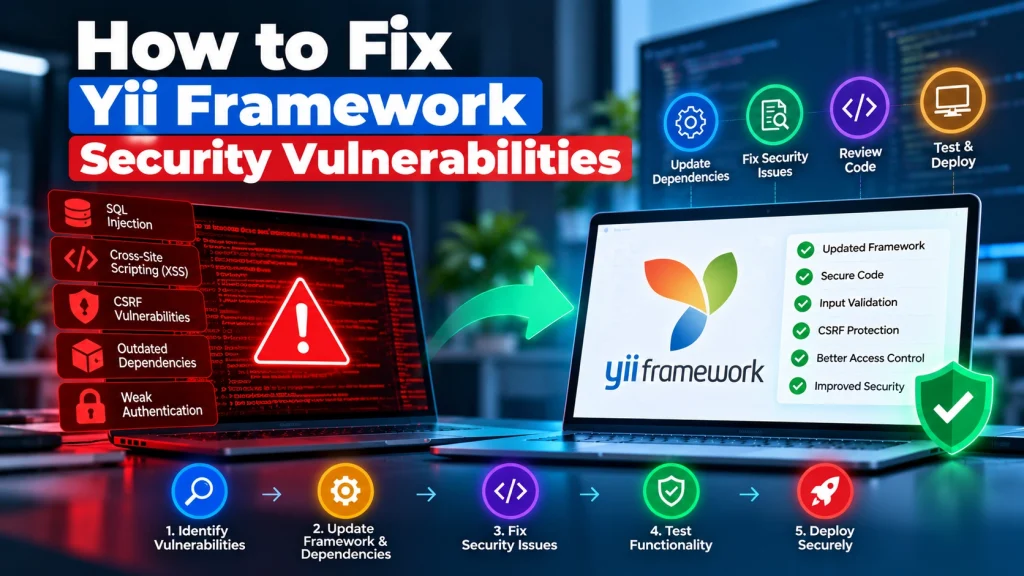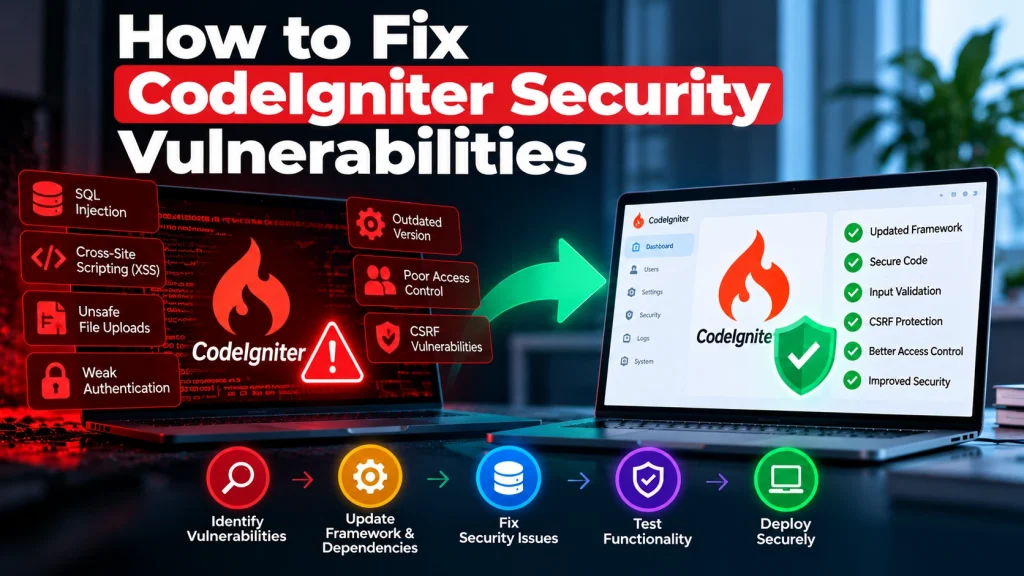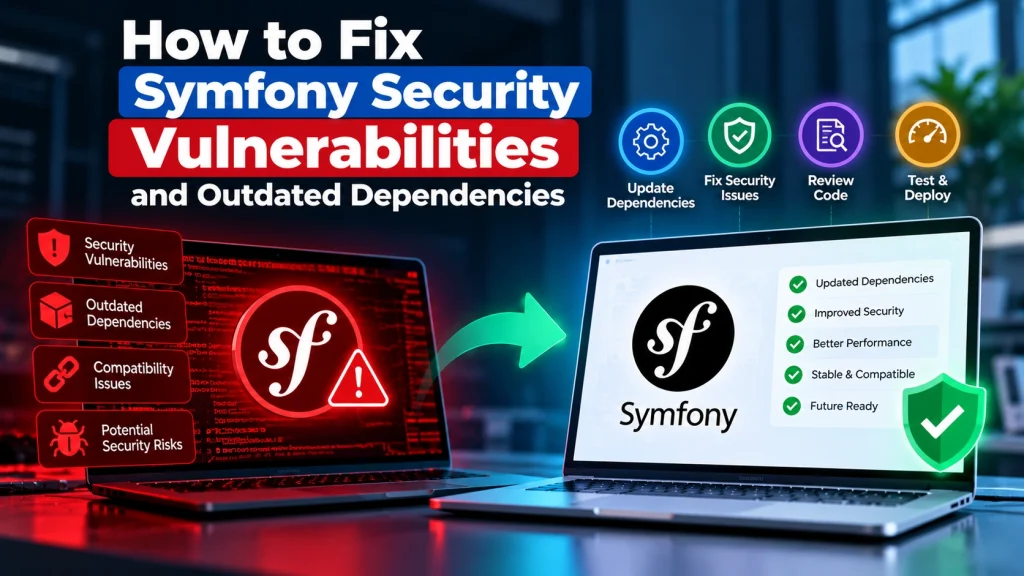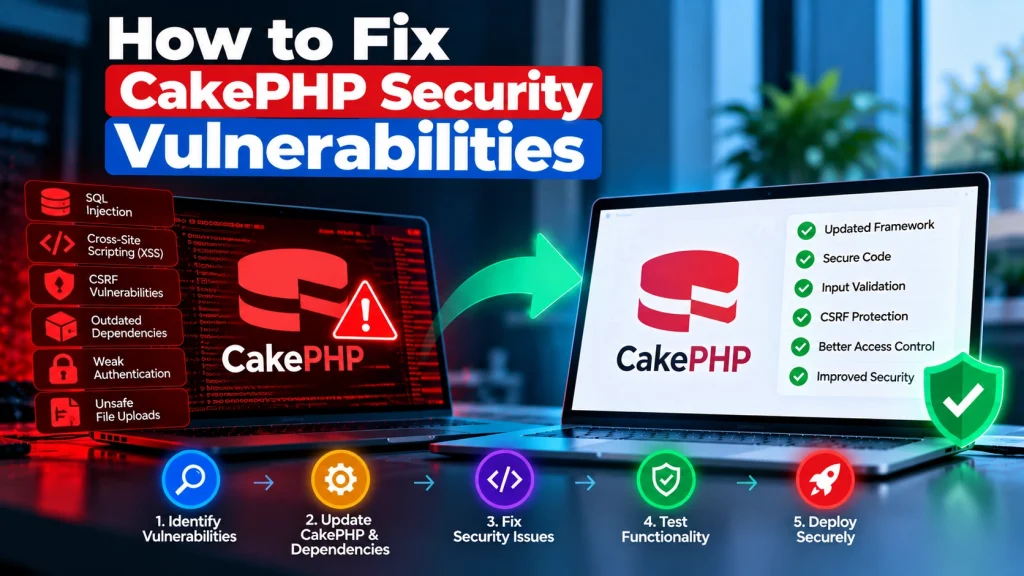
Native PHP applications can power everything from small business websites to custom portals, dashboards, and internal systems. But when PHP code is not regularly reviewed and maintained, security vulnerabilities can put business data, customer information, and website functionality at risk.
The good news is that many PHP security issues can be identified and fixed without rebuilding the entire application. A structured security review can help businesses understand what needs attention and prevent the same problems from returning.
What Are PHP Security Vulnerabilities?
PHP security vulnerabilities are weaknesses in an application that attackers may use to access data, manipulate functionality, or execute unwanted actions.
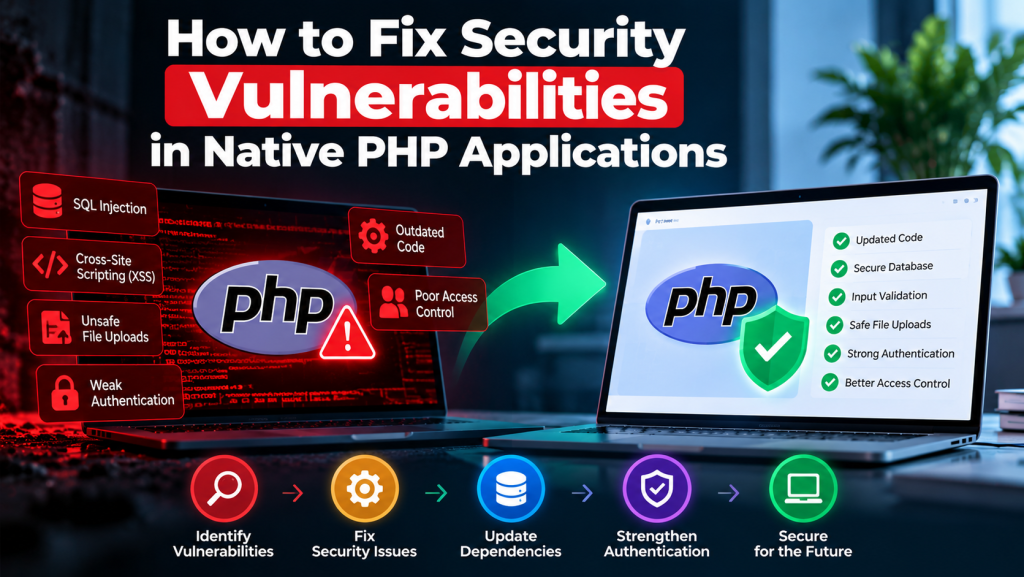
Common issues include:
SQL injection
Cross-site scripting (XSS)
Cross-site request forgery (CSRF)
Unsafe file uploads
Weak authentication
Poor access control
Insecure session handling
Exposed configuration or credentials
Outdated PHP versions and dependencies
The actual risk depends on how the application handles user input, authentication, databases, files, and external services.
1. Keep PHP and Dependencies Updated
One of the first things to check is the PHP version running your application.
Unsupported PHP versions no longer receive official security fixes from the PHP project. Applications should also keep their Composer packages and other dependencies updated where compatibility allows.
Before updating production, test the application in a staging environment to identify compatibility problems.
2. Validate and Sanitize User Input
Never assume information submitted through a form, URL, API, or request is safe.
Validate input according to what the application expects. For example, an email field should be checked as an email address, while an ID expected to be an integer should be validated as an integer.
Validation reduces unexpected input reaching sensitive parts of the application.
3. Use Prepared Statements for Database Queries
SQL injection can occur when untrusted input is directly combined with database queries.
Use PDO or MySQLi prepared statements instead of building SQL queries by concatenating user-provided values.
This separates SQL instructions from the data being supplied to the query.
4. Protect Against Cross-Site Scripting
Applications that display user-controlled content without appropriate output handling can become vulnerable to XSS.
Escape output according to its context, particularly when displaying information inside HTML, JavaScript, URLs, or other browser-executed content.
Input validation and output escaping should work together rather than relying on only one security measure.
5. Secure Authentication and Sessions
Login systems should use secure password hashing rather than storing plain-text passwords.
PHP provides password hashing functions such as password_hash() and password_verify() for this purpose.
Sessions should also be configured carefully, with appropriate cookie security settings and session handling practices.
6. Control File Uploads
File uploads can become a serious security problem when applications allow users to upload files without proper restrictions.
A secure upload process should validate file types, restrict file sizes, generate safe filenames, and prevent uploaded files from being executed as server-side code.
Files should be stored in a location and configuration that limits potential damage if an uploaded file is malicious.
7. Review Access Control
Authentication answers “who are you?” while authorization answers “what are you allowed to do?”
A user should not be able to access administrative functions simply by changing a URL or request parameter.
Review permissions across dashboards, APIs, admin areas, files, and database operations to ensure users can only access resources appropriate to their role.
8. Protect Sensitive Configuration
Database passwords, API keys, application secrets, and other credentials should never be exposed in publicly accessible files or repositories.
Use environment variables or secure configuration methods where appropriate, and review existing code for accidentally committed credentials.
If credentials have already been exposed, they should be rotated rather than simply removed from the visible code.
How Dev Mechanix Can Help
Security problems in a native PHP application do not always require starting from scratch.
At Dev Mechanix, we can review existing PHP applications, identify security weaknesses, update vulnerable components, improve authentication and database handling, and help secure custom functionality.
The objective is to fix the underlying issue, test the application properly, and reduce the chance of the same vulnerability returning.
If your PHP application has been flagged for a security issue or you are concerned about outdated code, a professional security review can help you understand what needs to be fixed and what should be prioritised.
Frequently Asked Questions
What are the most common PHP security vulnerabilities?
Common vulnerabilities include SQL injection, XSS, CSRF, insecure file uploads, weak authentication, poor access control, and exposed credentials.
Can a PHP application be secured without rebuilding it?
Yes. Many vulnerabilities can be fixed by improving existing code, updating dependencies, strengthening authentication, and correcting insecure configurations.
How do I know if my PHP application is vulnerable?
A code and security review can identify weaknesses in application logic, dependencies, authentication, database queries, file handling, and server configuration.
Is an outdated PHP version a security risk?
Yes. Unsupported PHP versions no longer receive official security fixes, which can increase security and maintenance risks.
Should I update PHP immediately?
The upgrade should be planned according to your application’s compatibility. Test the target PHP version and dependencies before applying the change to production.
How can I prevent SQL injection in PHP?
Use prepared statements with PDO or MySQLi instead of directly inserting untrusted input into SQL queries.
Is password hashing important in PHP?
Yes. Passwords should never be stored as plain text. PHP’s built-in password hashing functions provide a safer approach for storing and verifying passwords.
Can Dev Mechanix fix vulnerabilities in custom PHP applications?
Yes. Dev Mechanix can review and improve native PHP applications, including security fixes, code updates, dependency upgrades, and ongoing technical maintenance.